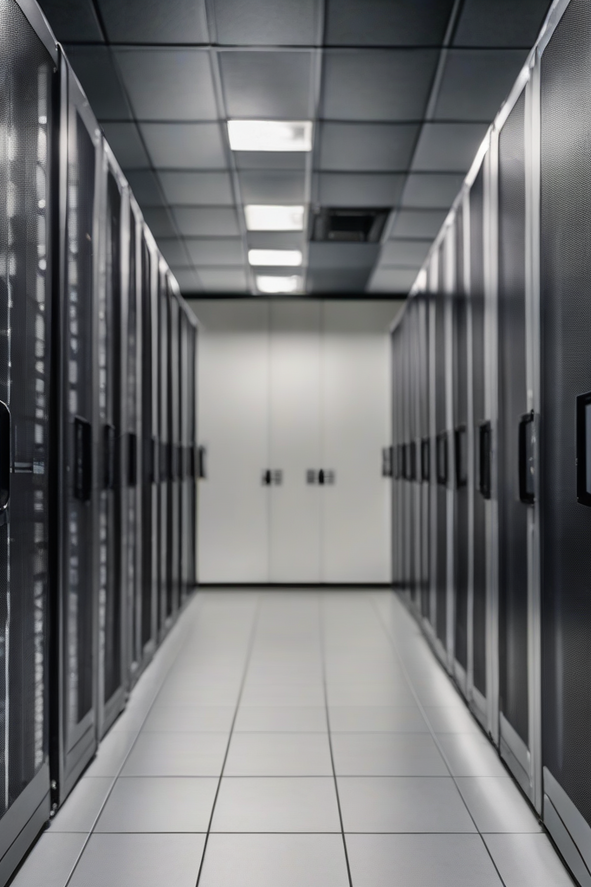
Bare metal or VPS: which one do you really need?
This guide explains the difference between a bare metal (dedicated) server and a VPS, and shows you when each one is the smarter choice.
Quick answer
Picture an apartment building. A VPS is like renting one private apartment in that building. It is fully yours behind your own locked door, but you share the building’s walls, plumbing and power with other tenants. A bare metal (dedicated) server is like owning the whole building. Every room, every bit of power and every pipe belongs to you, and nobody else lives there.
So the real question is simple: do you need the whole building, or is one good apartment enough? For most websites, blogs and apps, a VPS is enough — it is cheaper, quick to resize, and the private slice is genuinely yours. You only need bare metal when your workload is big, heavy and runs hard all day long.
If you are just starting out, an offshore VPS server is usually the right first step. When you have outgrown a large VPS, or you run heavy databases and high-traffic platforms, move up to an offshore dedicated server.
What “bare metal” actually means
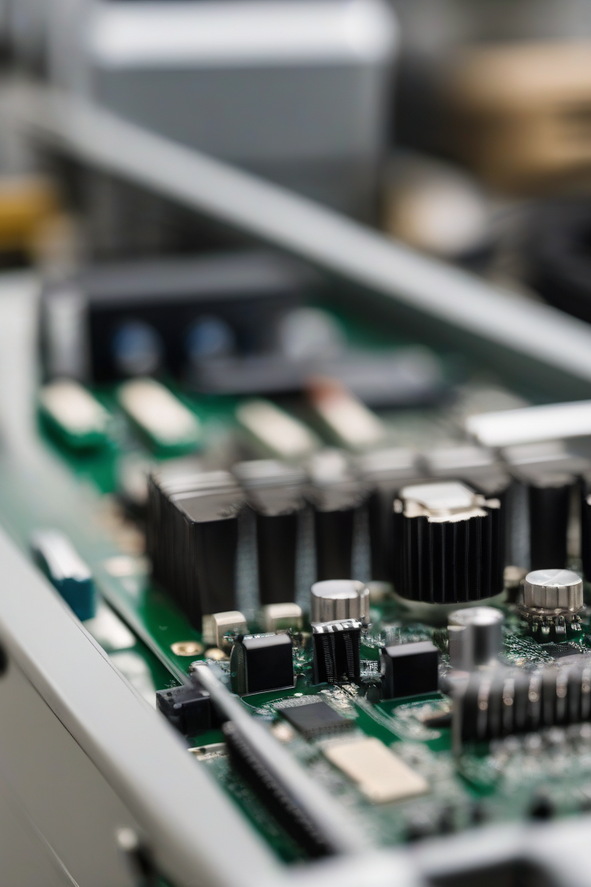
Bare metal is just a plain-English name for a dedicated server: one real physical computer in the data centre, rented entirely to you. There is no virtual layer dividing it up and no other customer on the box. Every CPU core, every gigabyte of RAM and every drive is yours.
The big win here is no “noisy neighbours.” On a shared machine, if someone else suddenly uses a lot of power, it can briefly slow things down for everyone on that machine. On bare metal, that simply cannot happen — nobody else is there. That is why bare metal gives the steadiest, most predictable performance you can buy.
What a VPS gives you
A VPS (Virtual Private Server) takes one strong physical machine and splits it into several private virtual servers. You get a guaranteed amount of CPU, RAM and storage, your own operating system, and full root access — all without paying for a whole machine. It feels like your own server, because for everyday purposes it is.
The trade-off is that the underlying hardware is still shared. Most of the time you never notice, and the value is excellent. A VPS is also quick to resize: need more RAM next month? You can often upgrade in minutes instead of moving to new hardware.
Comparison
Here is the side-by-side. Read down the column that sounds like your project.
| Bare metal (dedicated) | VPS | |
|---|---|---|
| Resources | A whole physical machine — all of it is yours | A private slice of a shared machine |
| Performance | Top and very steady, no noisy neighbours | Very good, but the hardware is shared |
| Cost / flexibility | Costs more; changes mean new hardware | Lower cost; resize quickly when you need to |
| Best for | Heavy steady workloads, big databases, strict performance or compliance needs | Most sites and apps, easier scaling, tighter budgets |
When bare metal is the right call
Choose a dedicated server when your needs are big and constant rather than occasional:
- Your workload runs heavy and steady all day — not just short bursts.
- You run a large database or an app that is hungry for CPU and memory at all times.
- You have strict performance or compliance rules and need a machine no one else touches.
- You have simply outgrown a large VPS and keep hitting its ceiling.
When a VPS is the smarter choice
For most people, a VPS is the sensible pick:
- You run a normal website, blog, store or web app with steady (not extreme) traffic.
- You want to scale up or down easily as your needs change.
- You want strong performance without paying for a whole machine you would not fully use.
Buyer checklist
Run through this before you order. It stops the two most common mistakes: buying too big, or buying too small.
- Look at your real CPU, RAM, storage and traffic — not a guess.
- Ask honestly: is my load heavy and constant, or mostly light with occasional spikes?
- If a VPS already feels tight most of the time, that is your signal to consider bare metal.
- Check whether backups are included or cost extra.
- Confirm support can help with migration and setup.
- Set up SSL, strong passwords, updates and offsite backups from day one.
How OffshoreKaka fits this
OffshoreKaka lets you start on a VPS and move up to a dedicated server later without switching companies. So you can pick what fits you today, leave a little room to grow, and upgrade only when your workload truly needs it.
If you run an agency and manage many client sites, offshore reseller hosting lets you sell hosting under your own brand.
Compare bare metal plans and pick a dedicated server sized to your real workload.
Is bare metal really “better”?
This is the honest part: bare metal is not automatically better for everyone. It is better for heavy, steady needs. If your site does not push a server hard, a dedicated machine just sits mostly idle while costing more — you would be paying for power you never use.
Plenty of successful websites and apps run happily on a VPS for years and never need bare metal. The goal is the right fit, not the biggest number. Buy for the workload you actually have, with a bit of headroom for growth.
Moving up safely
If you are upgrading from a VPS to bare metal, do it calmly: take a full backup, copy your files and database to the new server, test everything there, then switch your DNS during a quiet hour. After it is live, check that SSL works, forms and email work, and your pages load as expected.
On a dedicated server you are responsible for more of the setup, so plan firewall rules, SSH security, updates and uptime monitoring before launch. Good hosting is partly the machine you rent and partly how carefully you run it.
Does this help my Google ranking?
Hosting alone will not put you at #1, and anyone who promises that is not being honest. But fast, stable hosting helps: quick page loads, reliable uptime and secure HTTPS are all signals Google likes. Whether you choose a VPS or bare metal, what decides rankings is still your content and your links — the server just gives that work a solid, dependable home.
FAQ
What is the real difference between bare metal and a VPS?
A bare metal (dedicated) server is one whole physical machine that is entirely yours, with no other customers on it. A VPS is a private virtual slice of a shared physical machine. Bare metal gives steadier top performance; a VPS gives great value and easier resizing.
Do I need a dedicated server, or is a VPS enough?
Most websites and apps run perfectly well on a VPS. Choose bare metal only when your workload is heavy and constant, you run large databases, you have strict performance or compliance needs, or you have clearly outgrown a large VPS.
Will moving to bare metal improve my SEO?
Not by itself. Faster, more stable hosting supports SEO through speed, uptime and HTTPS, but rankings still depend on good content and links. If your VPS is already fast and reliable, bare metal will not magically boost your ranking.